
Jun 30
Direct YouTube URL
Be able to drop URL directly into search for videos. Trying to add a video but Duo search does not find what I can find via web browser / YouTube search engine.
Completed
Hi Sergey, This feature is already available. If something doesn´t work properly for you, please send us a screenshot or a video showing the problem at support@duocards.com so I can inspect it more thoroughly. Thank you.
For example, I’m trying to add this video to the application and it is not added, it is added to the LingQ application, but for some reason it is not added to the duo :( https://www.youtube.com/watch?v=mrcLQA8wPJU
Hi Sergey, can you please send us a screenshot of this issue at support@duocards.com? I have tried to add this video and it works from our side. Thank you.
Hi Can I get some help?
Hi, as long as the video is in the target language and has closed captions, you can find it by inserting the link directly, just as you said. Michaela
Michaela Hi 😀👋 Thank you, but why closed captures are necessary? I mean, for me best way to take flames is watch content about internet technologies, but a lot of them has open captures like fireship
It works already. You can either paste the link, or share the link on your phone into duocards and both will find the video.
This video has closed-captions, but when I try to add it, I get an error, please check it https://youtu.be/Ula0c_rZ6gk?si=ipZ6aGfZ11fKgkSh
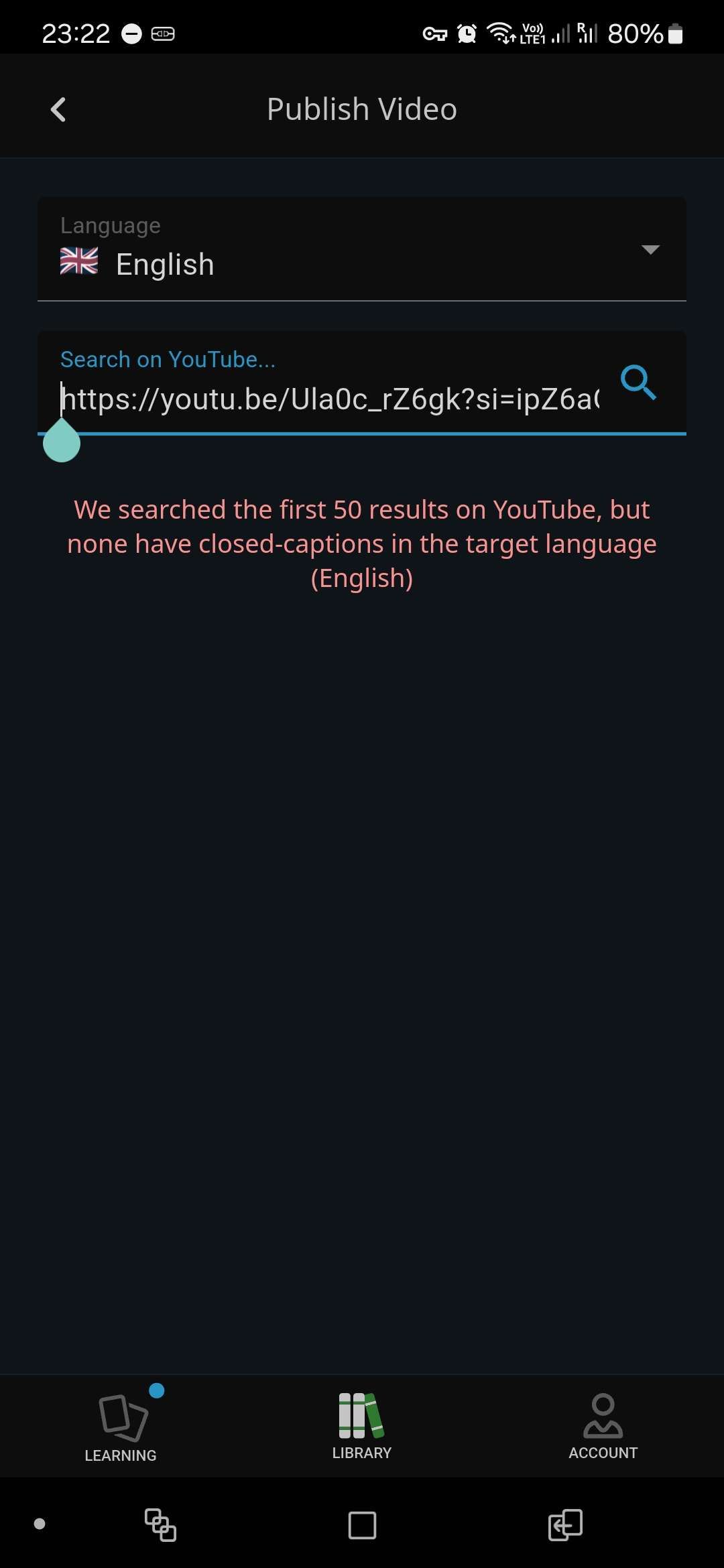
hey, this is working already - just put the link into "search" when you are creating video in duocards, or share the link directly to duocards from youtube
Petr from DuoCards Hi This video has closed-captions (transcript), but when I try to add it, I get an error, please check it https://youtu.be/Ula0c_rZ6gk?si=ipZ6aGfZ11fKgkSh
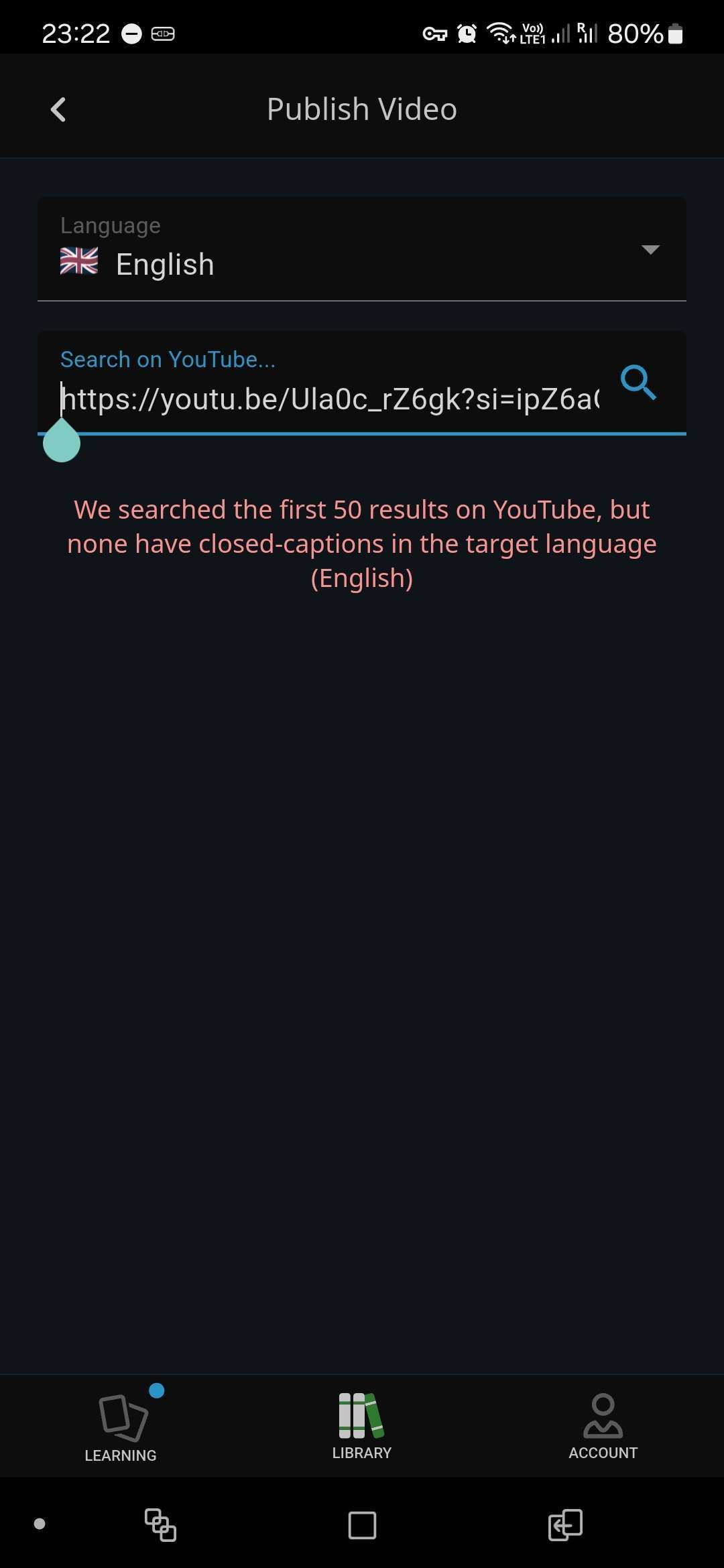
it hi, those are not closed-caption, but auto-translated captions which duocards doesn't support
for example there is caption for this video but I can add it https://www.youtube.com/watch?v=NlzE_V88RfE I used both Russian and English as target language but still not working and show: We searched the first 50 results on YouTube, but none have closed-captions in the target language (Russian) and We searched the first 50 results on YouTube, but none have closed-captions in the target language (English)
bhgd: that's because the video doesn't have closed-captions
Video must be with subtitles here is the answer https://duocards.canny.io/feature-requests/p/direct-youtube-…
Evan Moravetz this should be working since DuoCards exists. Could you check it again and give more details or tell me what blocked you on the way to add video from url? Maybe something is unclear in the app and we could improve it? Thank you
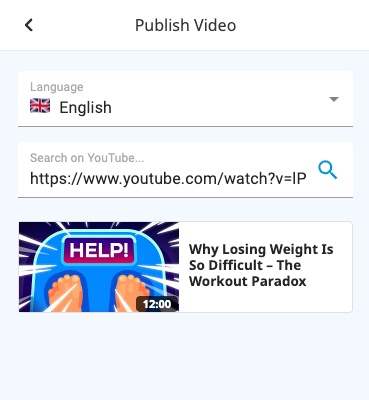
Petr from DuoCards Hi Petr, it's not possible to use a URL directly in the app, for instance, this URL does not work in the app: https://www.youtube.com/watch?v=MeY9dA3kv_8 If you check directly in your browser, it will show you the video and also auto generated caption.
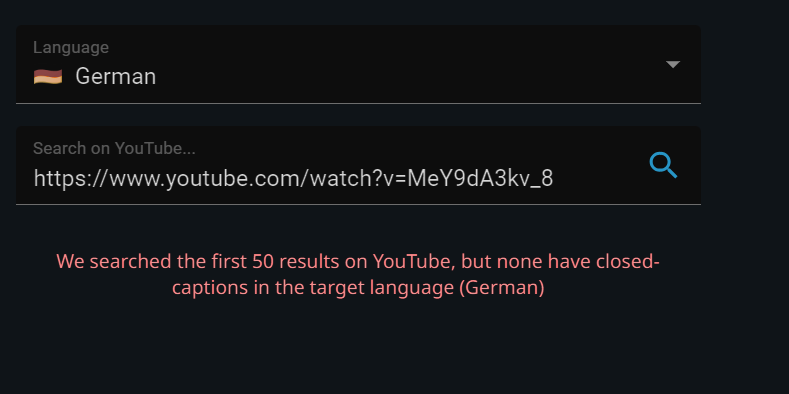
Vahid it's because "but none have closed-captions in the target language (German)"
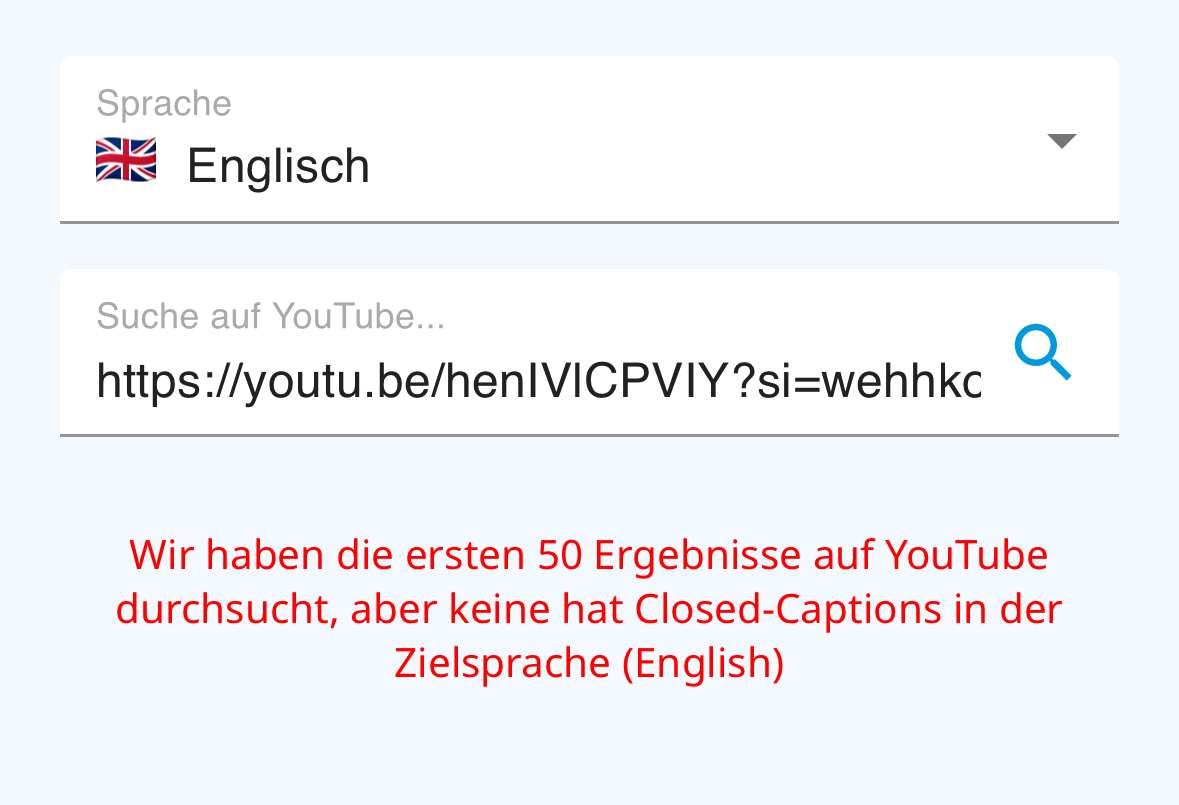
Petr from DuoCards Warum muss das Video die Zielsprache Deutsch haben? Die Wörter die ich lernen möchte, werden doch aus dem Englischen dann über die App übersetzt. Ich habe jetzt auch x-URLs probiert, und kein Link funktioniert, was sehr schade ist. Beispiel: https://youtu.be/henIVlCPVIY?si=wehhkoYSzziwkWyD Im Browser sehe ich Untertitel. Müsste das nicht reichen, um es auch in der App einzubinden?
Petr from DuoCards In Hebrew I can’t add videos from YouTube either via search by exact name of the video that I have previously checked to have closed captions in Hebrew nor by inserting the link to the video. Here is a link for example https://youtu.be/LU6DQUvXwkk?si=WoF2t6uNNfp2Mpz3 I checked the same in Russian - both options, search by word and inserting direct link, work fine. So this seems to be an issue specifically with Hebrew. Could you please check?
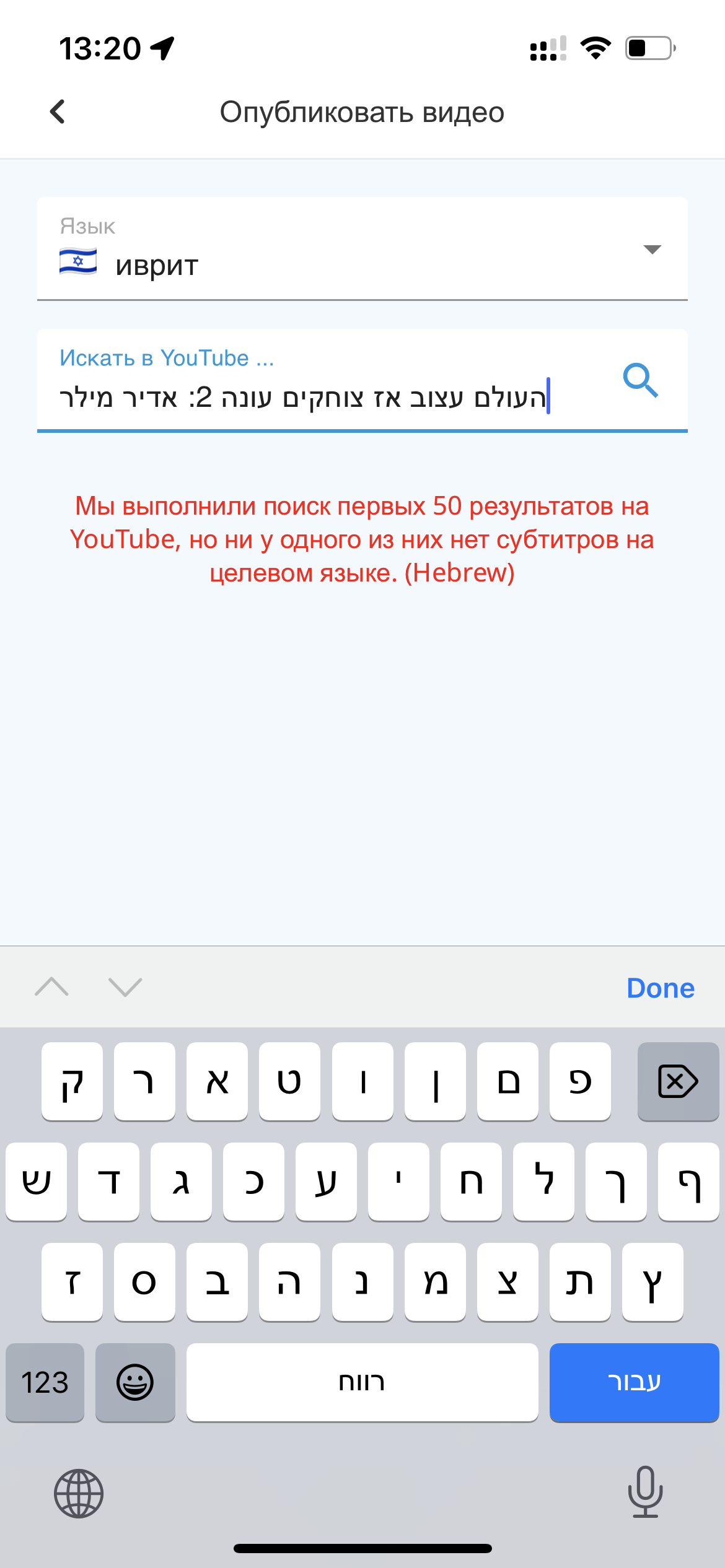
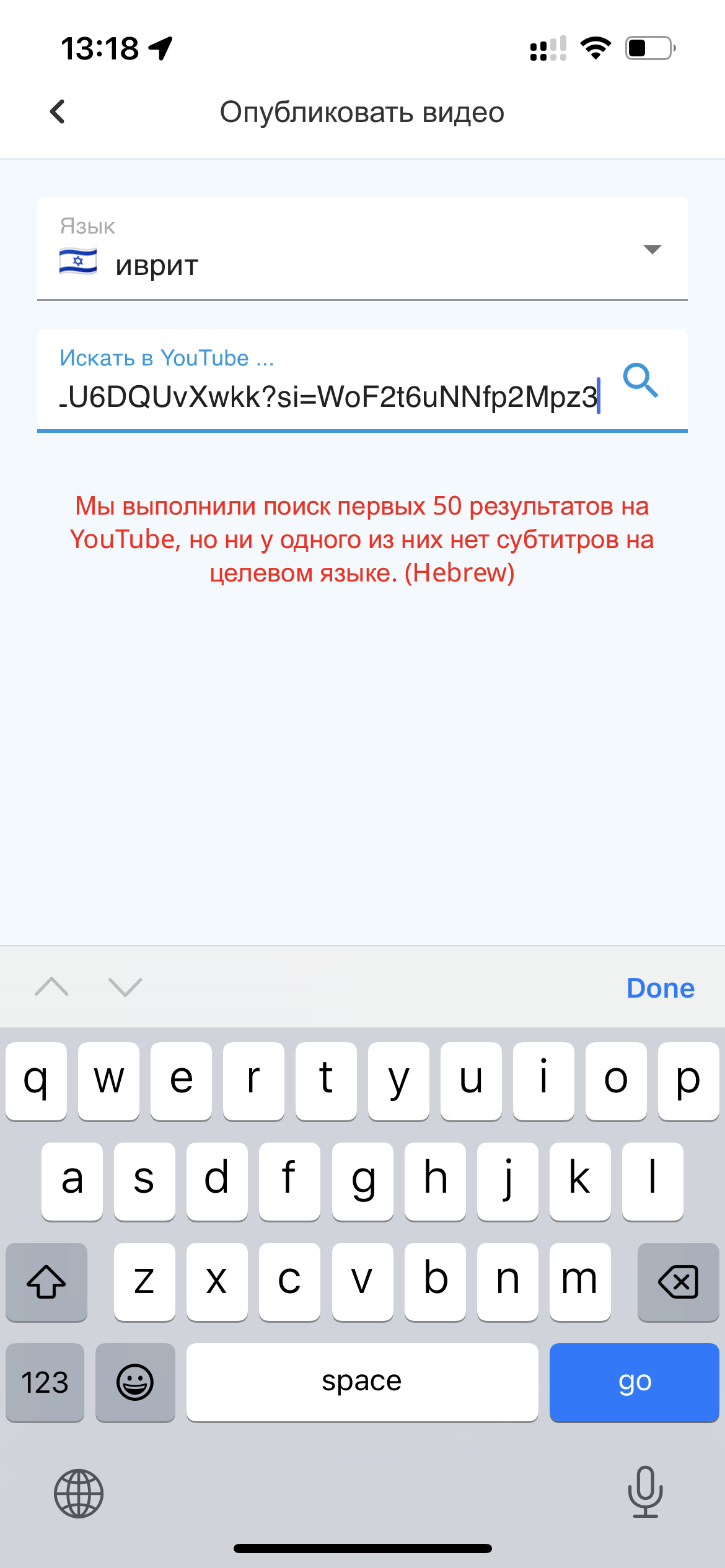
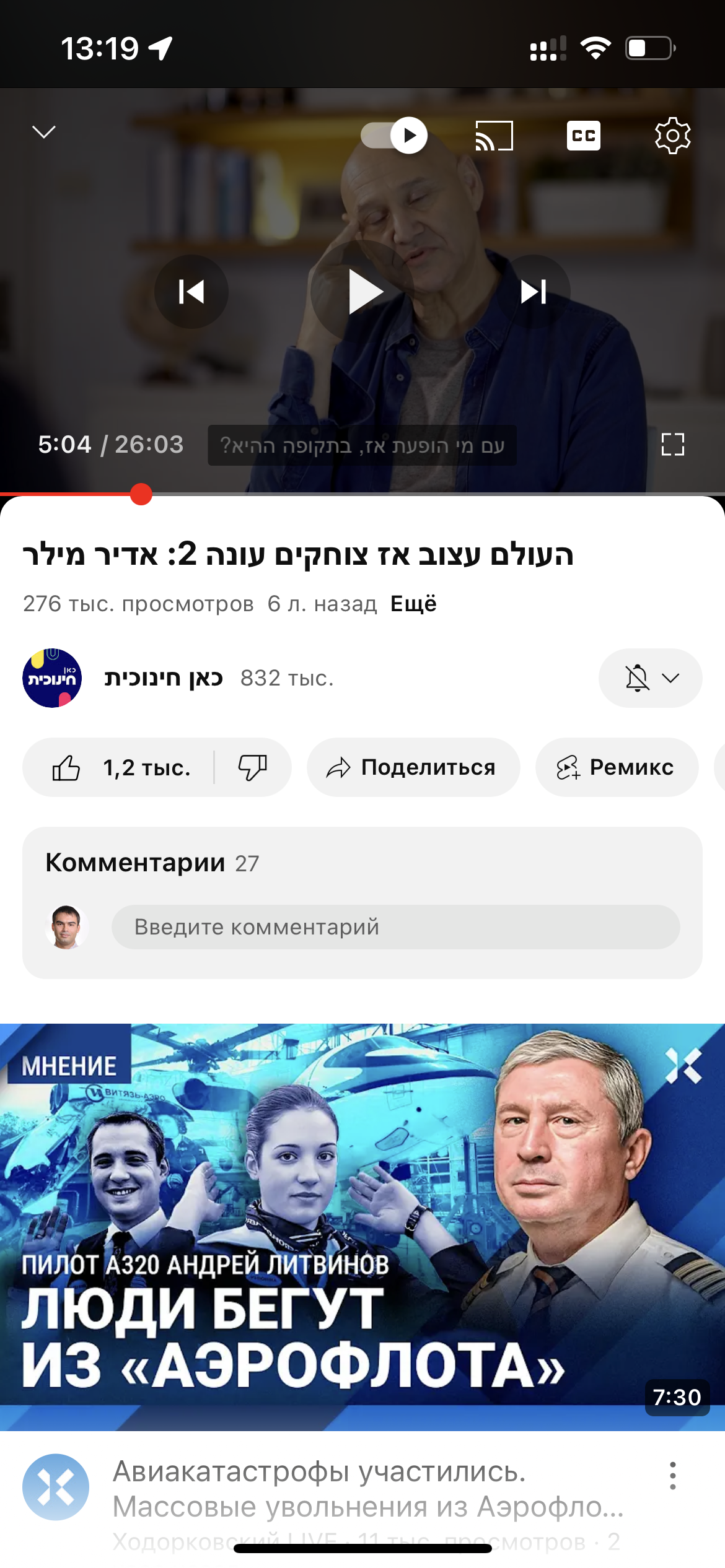
Sonya Sadekova thanks for reporting - youtube videos in hebrew should be working now!
Petr from DuoCards wow, really works!!! Thanks so much🙏🙏🙏
Hi José, This feature is already available. If something doesn´t work properly for you, please send us a screenshot or a video showing the problem at support@duocards.com so I can inspect it more thoroughly. Thank you.