
Nov 6
Connect with Friends and other Learners
Sharing cards with friends - they can accept or refuse
Daily games with friends - examples include challenge-style games such as word puzzles from images, Scrabble, and similar games.
Pending
Jał.. year after
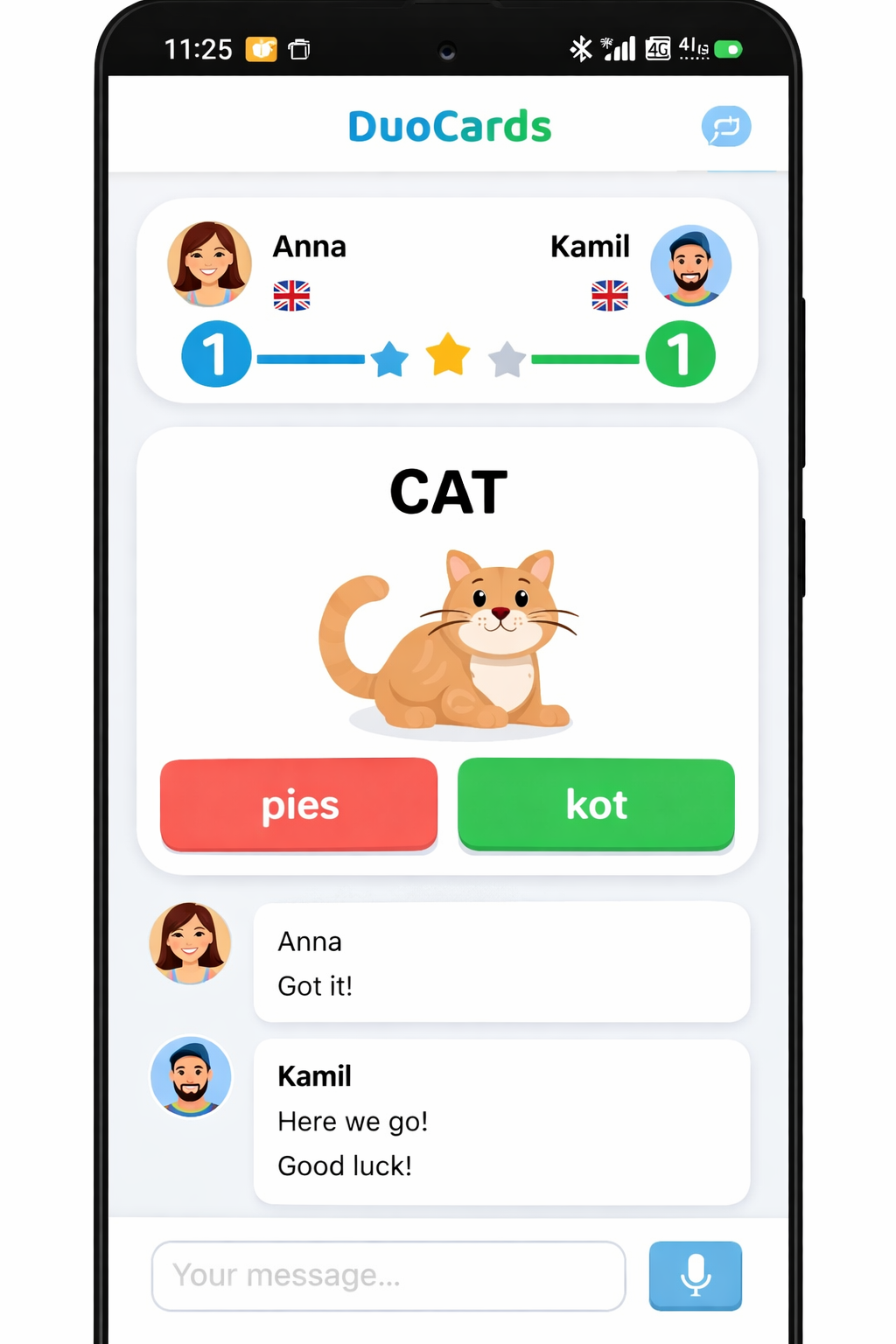
picture by gpt
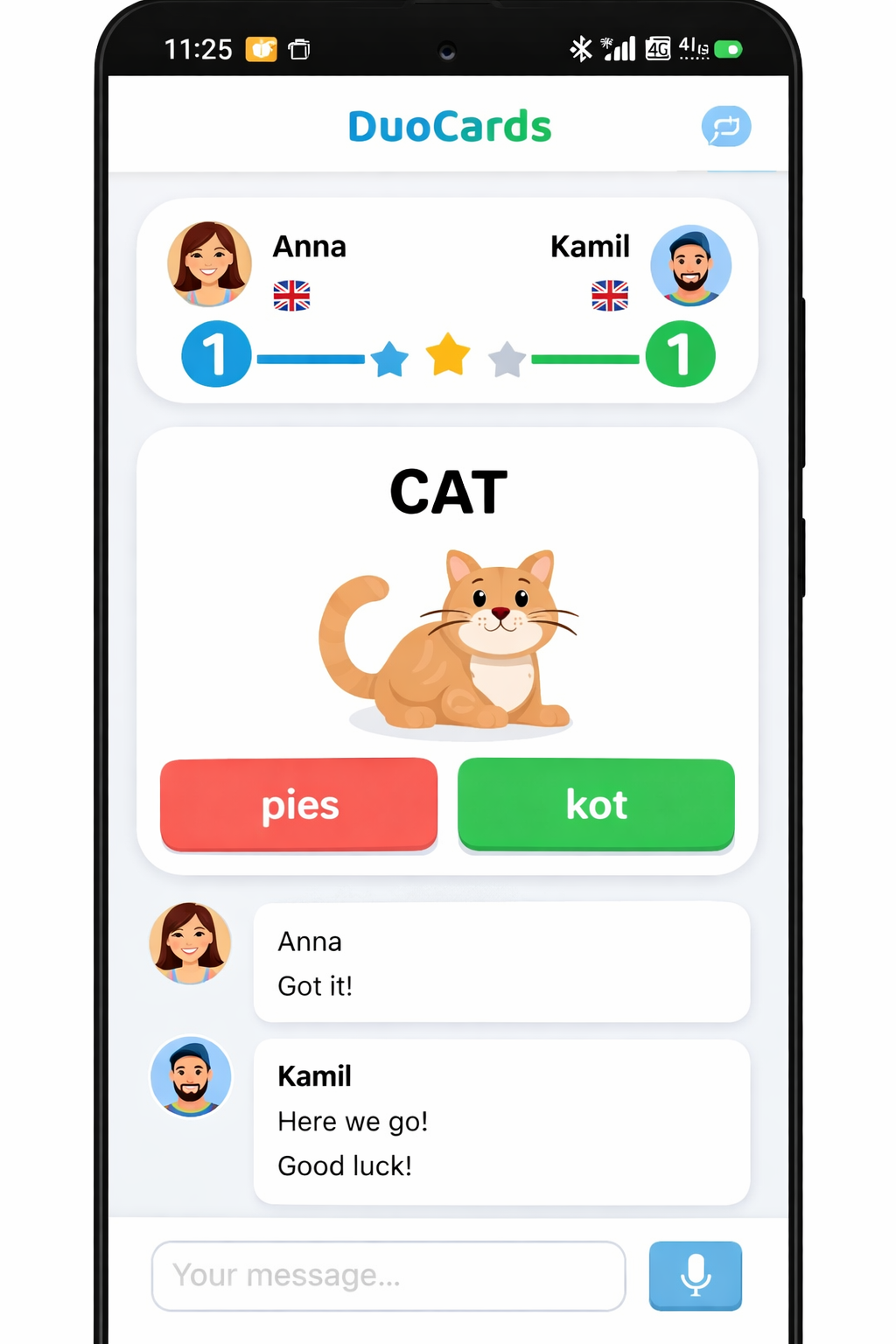
Чудова думка! Якраз зайшла, щоб це запропонувати 😁
👍🏻
As sharing cards is available, we mainly focus on individual learning techniques and there are other apps for games with friends, I am closing this post.
Hi, thanks for your post! A similar idea is already on Canny, so I'm merging it into the existing post "Connect with Friends and other Learners" to consolidate votes and keep everything organized. ✌️ Sasha from DuoCards
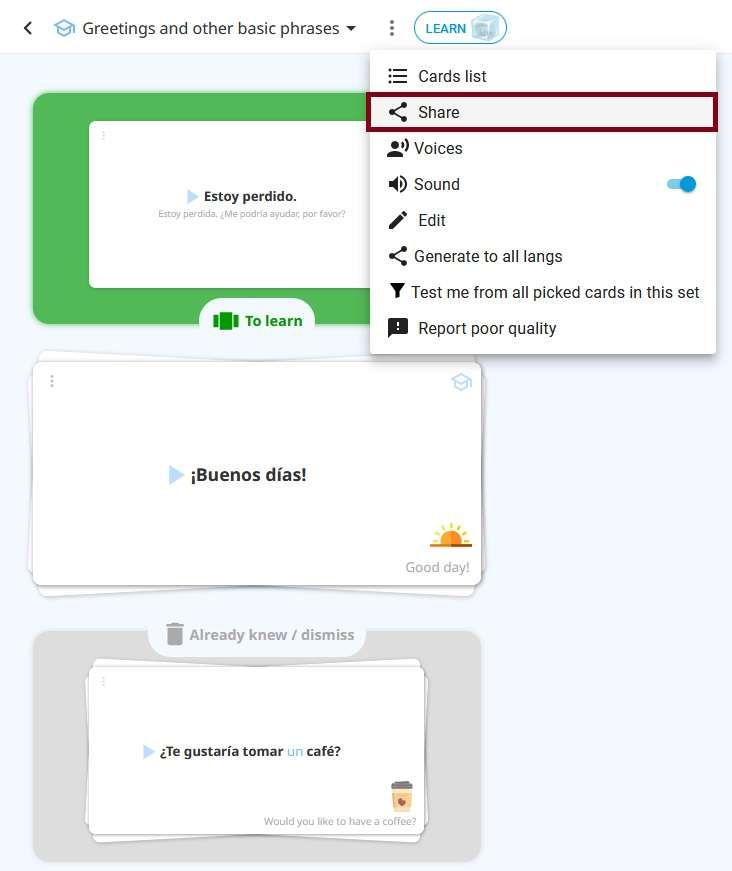
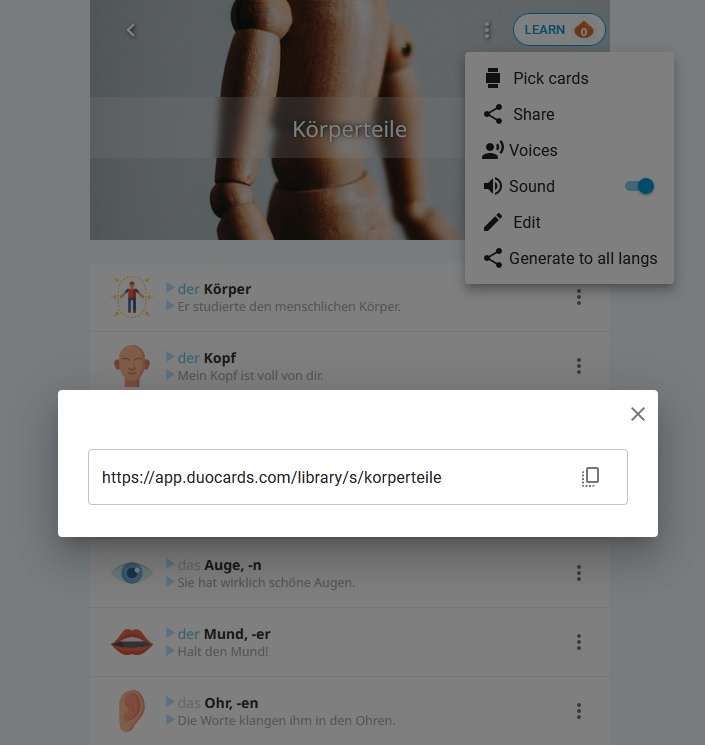
Hello Elmas! :) Do you know that you can already share a set with other users? Click on the three dots at the top-right corner of the set and choose “share”. Copy the link and share it with others. You can also make your set "public", so other users can see it in the library. I hope this helps.✌️Michaela from DuoCards
Michaela Thanks! but i didn't mean that. in the same app, to go and visit other Duocards users, send messages, compare our flames count, and read our articles within the app.
It would be nice. Or we can share set of cards as folder.
you can put more words into a set of cards and share this set
Hi! You can’t share decks, but did you know that you can share a set? Just click on the three dots in the top-right corner of the set and choose 'Share.' Copy the link and share it with others. Michaela from DuoCards
"Add more opportunities to interact with friends. For example, the ability to view their deck, share cards, suggest new words to add to the deck. As an idea, you can add the ability to chat. And it would also be great to see if a friend is currently studying, because for now, to be honest, the interaction is limited to the ability to view the list of rewards in the Memo house"