Currently, it is not possible to upload eBooks, etc., and it also doesn´t make sense to upload something that is not in an electronic version. Regarding adding some words into the app, this article can be helpful to you: https://app.duocards.com/library/s/how-to-make-language-lear…
Hi there Jana, might I upload a pdf file previously written my myself for instance in many occasions I find useful and helpful to write down some recaps or notes about specific topics... in these occasions, I'd like to upload my own pdf file on the app and later on I'd love to print it to create a kind of digital but also a paper notebook ...I'd appreciate to get youir answer about this matter, thanks!
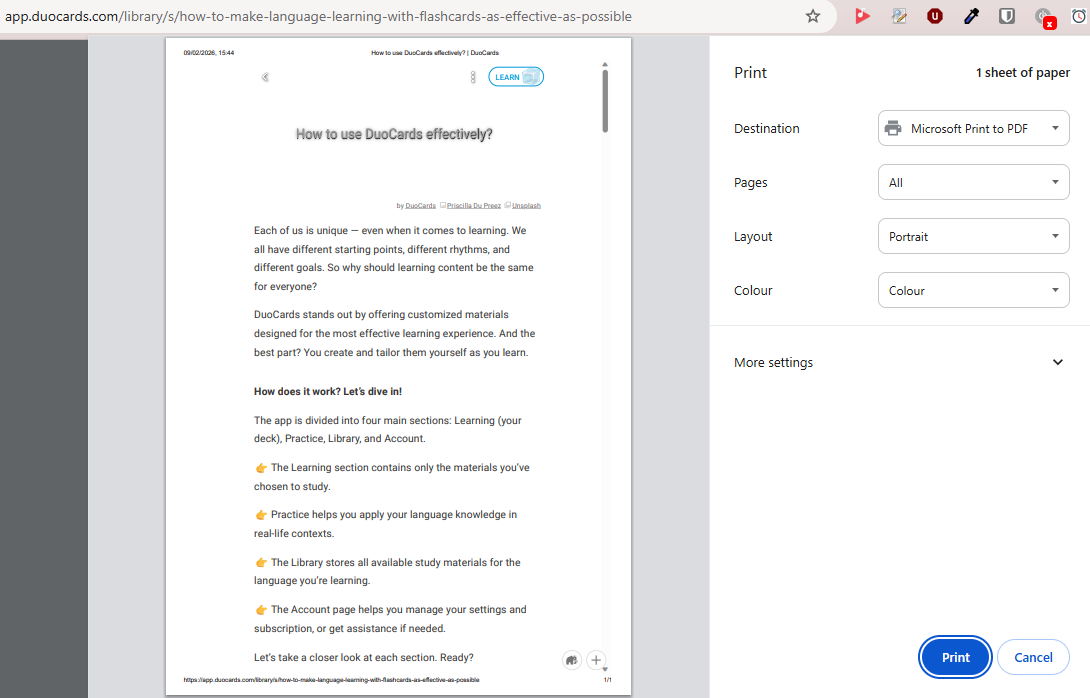
Hello, you can print articles by a simple browser keyboard shortcut Ctrl + P
CRL+P is the key😊 I mean ,the keyboard shortcut to print the articles which I use to write about some topics. Jana, thanks a lot for your valid help!
I love this idea, if you need any help to have a collection of books typed up, I would be happy to help
I’d like to add that word can have different meanings depends on context. It would be nice to use AI and scan the surrounding text and during addition new word pick appropriate translation according to context.
Sounds useful! I'd use it too when trying to read documents in dutch
@Jana How can I upload a traditional book made up of physical pages? and later on, adding some words into duocards ì' app?